
Feature Highlights
NoteCove is packed with features designed to make note-taking powerful yet simple. Here's a visual tour.
CRDT-Based Collaboration
Multiple users edit simultaneously with conflict-free merging. Every change appears instantly.
Note History & Revision Timeline
Scrub through every revision to find the exact moment you need.
Collapsible Headings
Organize long notes with collapsible sections. Collapsed state persists across sessions.
Task Links with Live Update
Task links stay current as tasks change — no stale references.
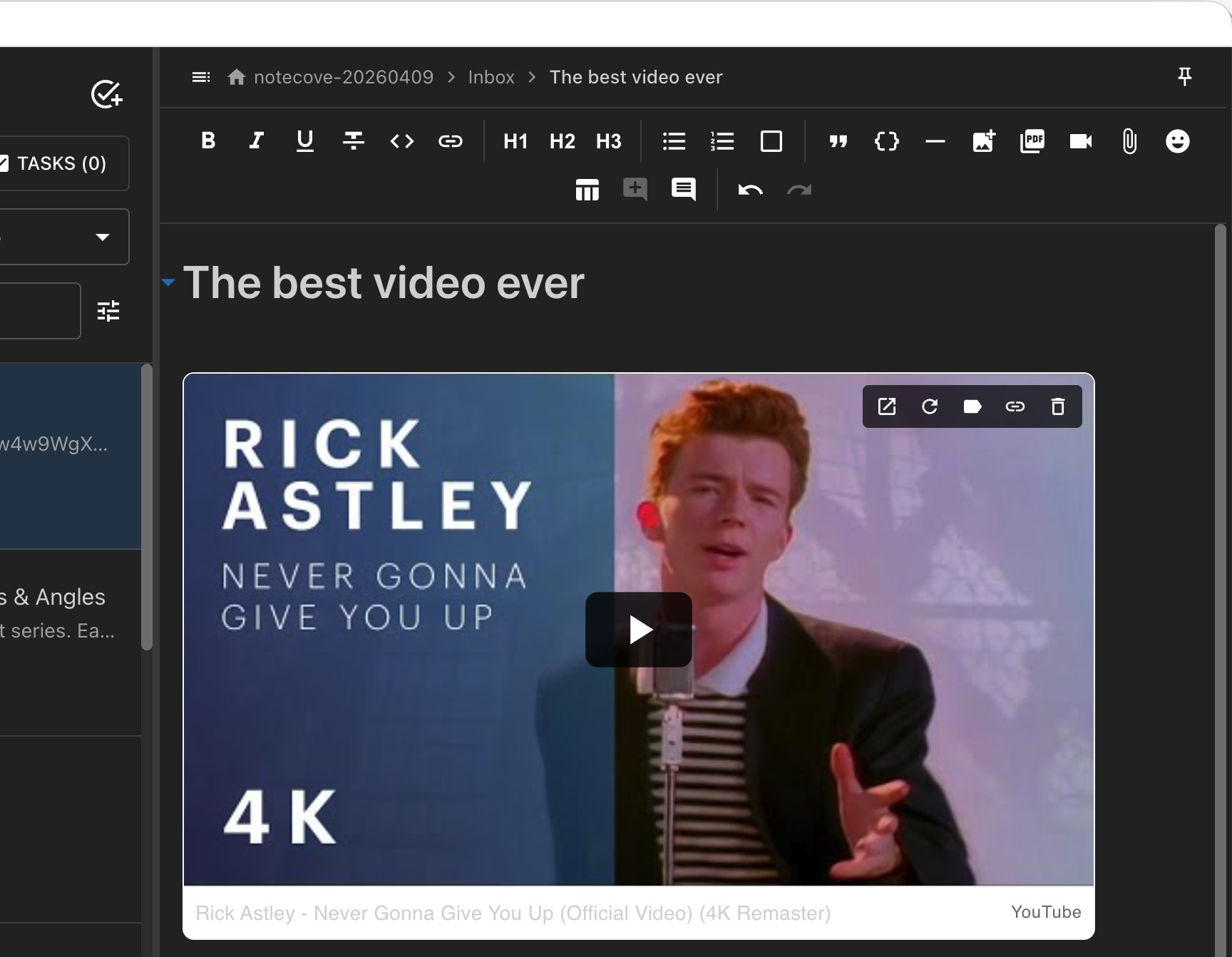
Link Unfurling
Paste any URL and see a rich preview card with thumbnail, title, and description.
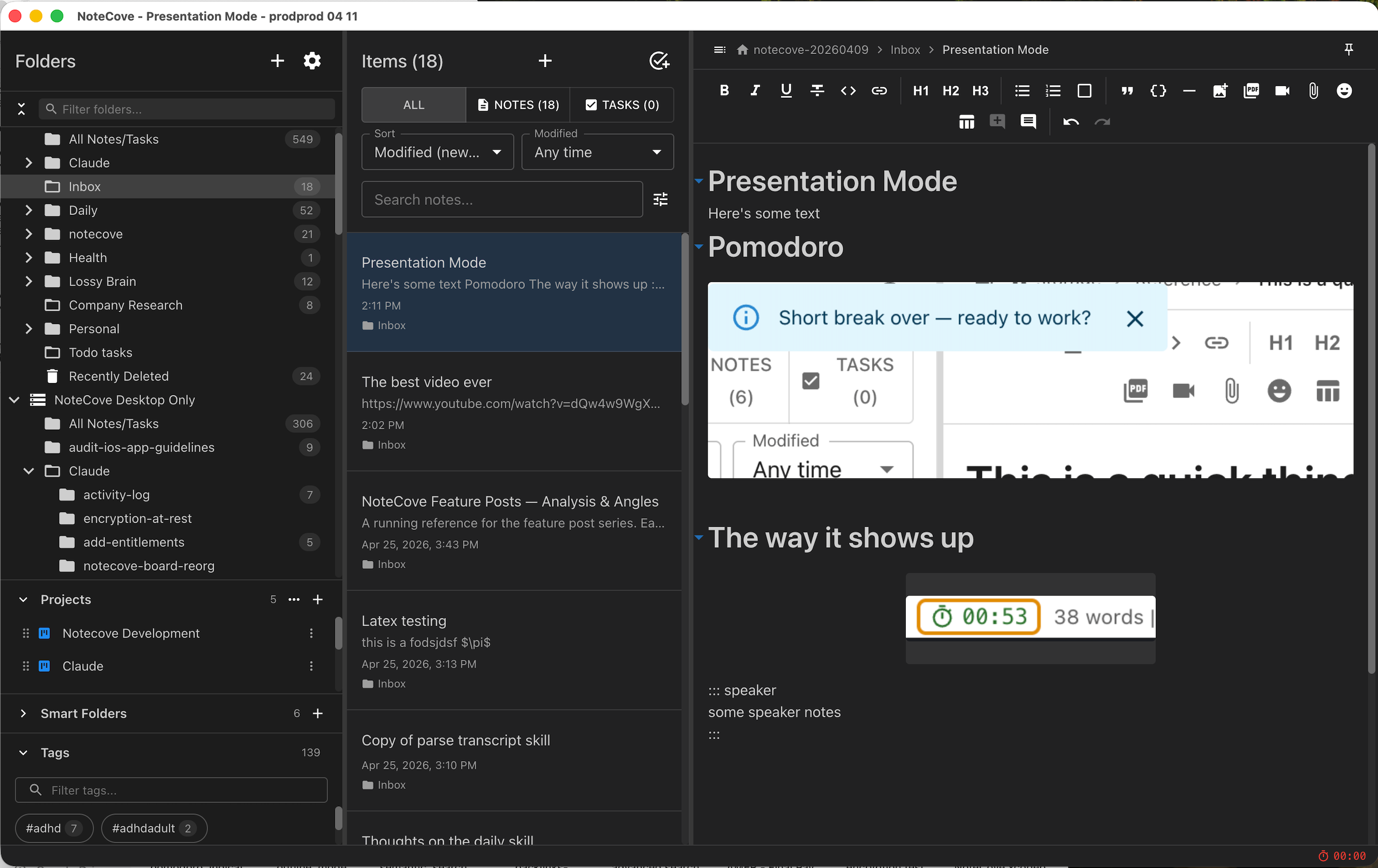
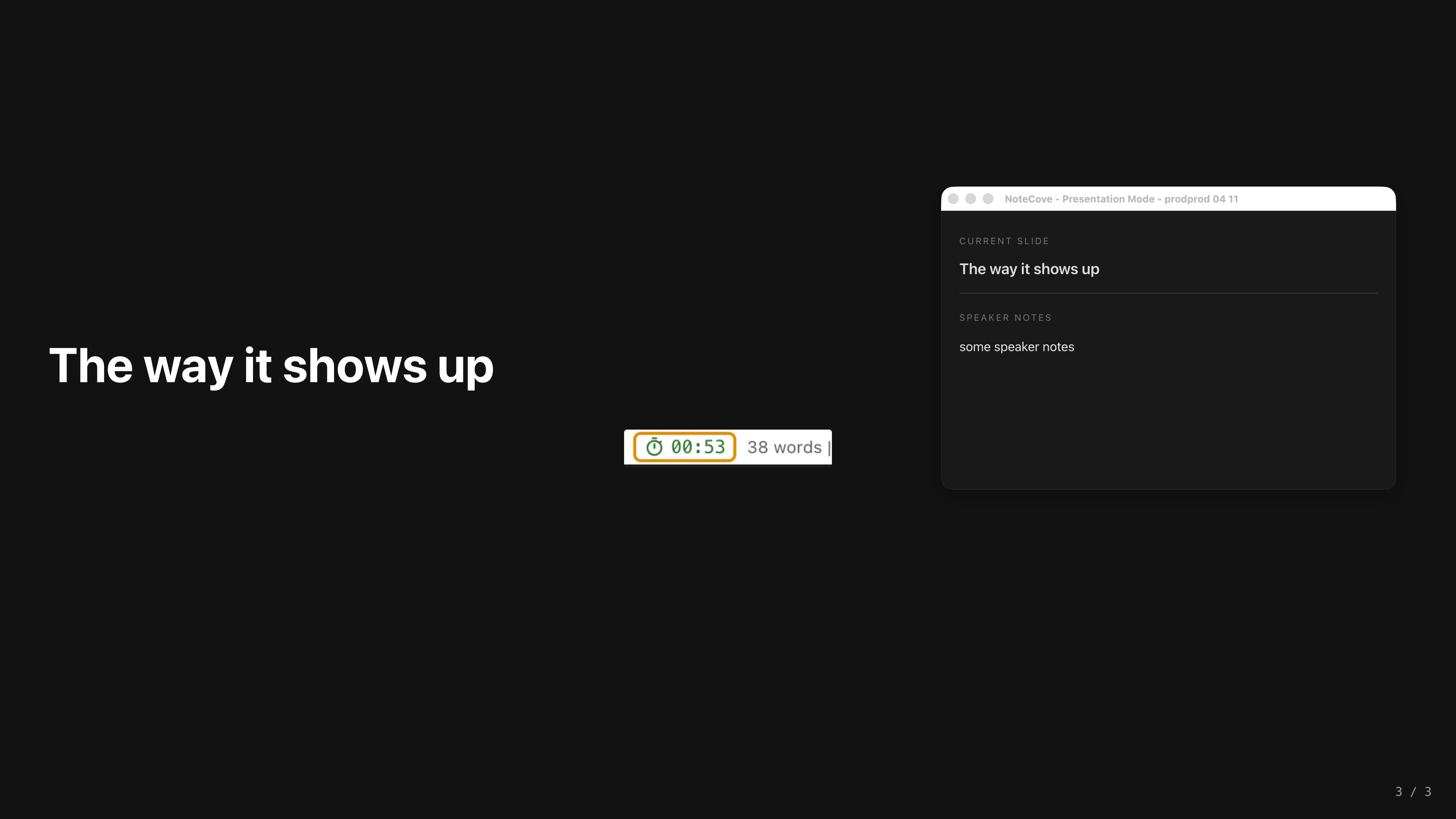
Presentation Mode
Turn any note into a fullscreen slideshow with speaker notes.
LaTeX Math Rendering
Render mathematical expressions inline or as display blocks using KaTeX.

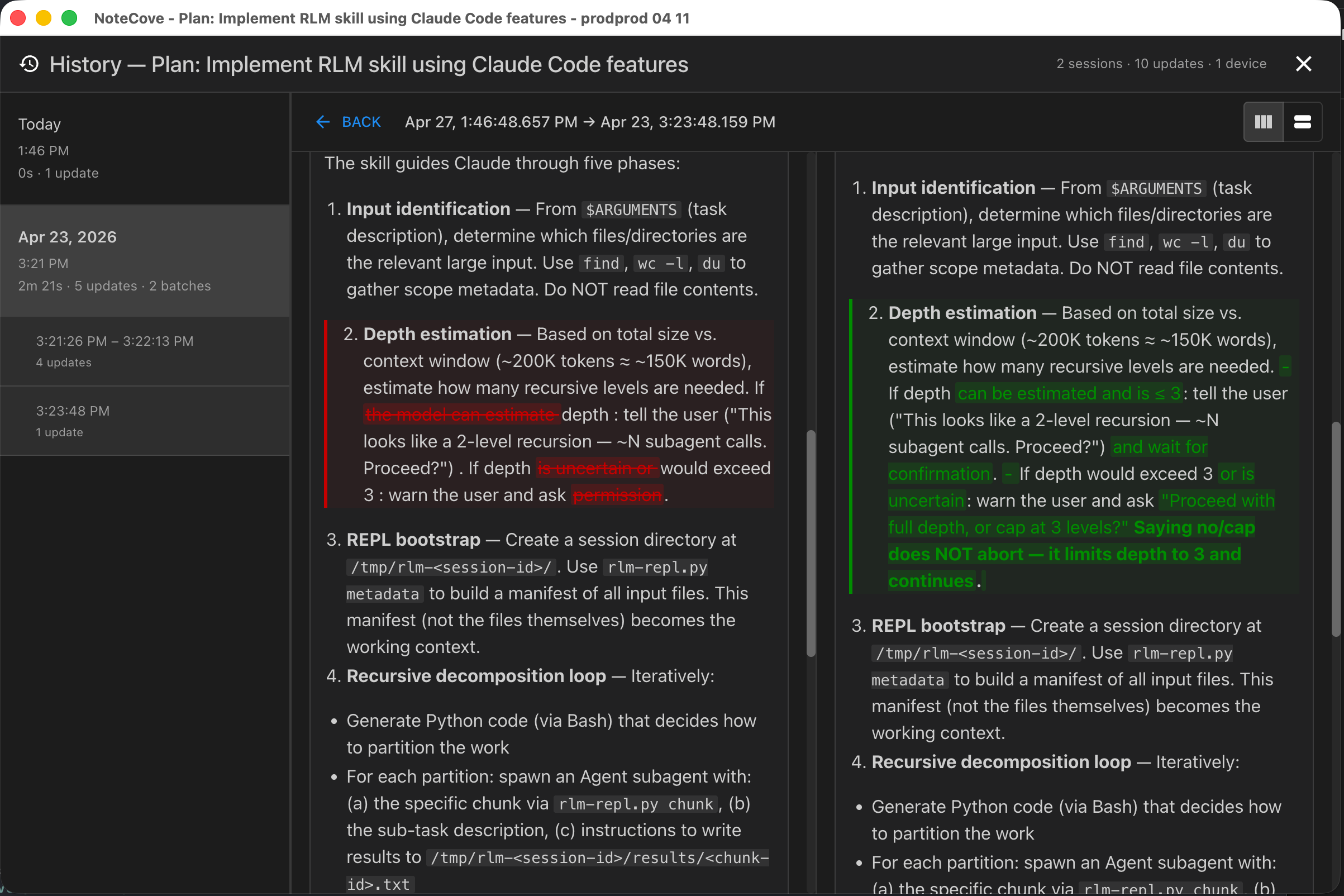
Word-Level Diff
Compare revisions with word-level green/red highlighting.
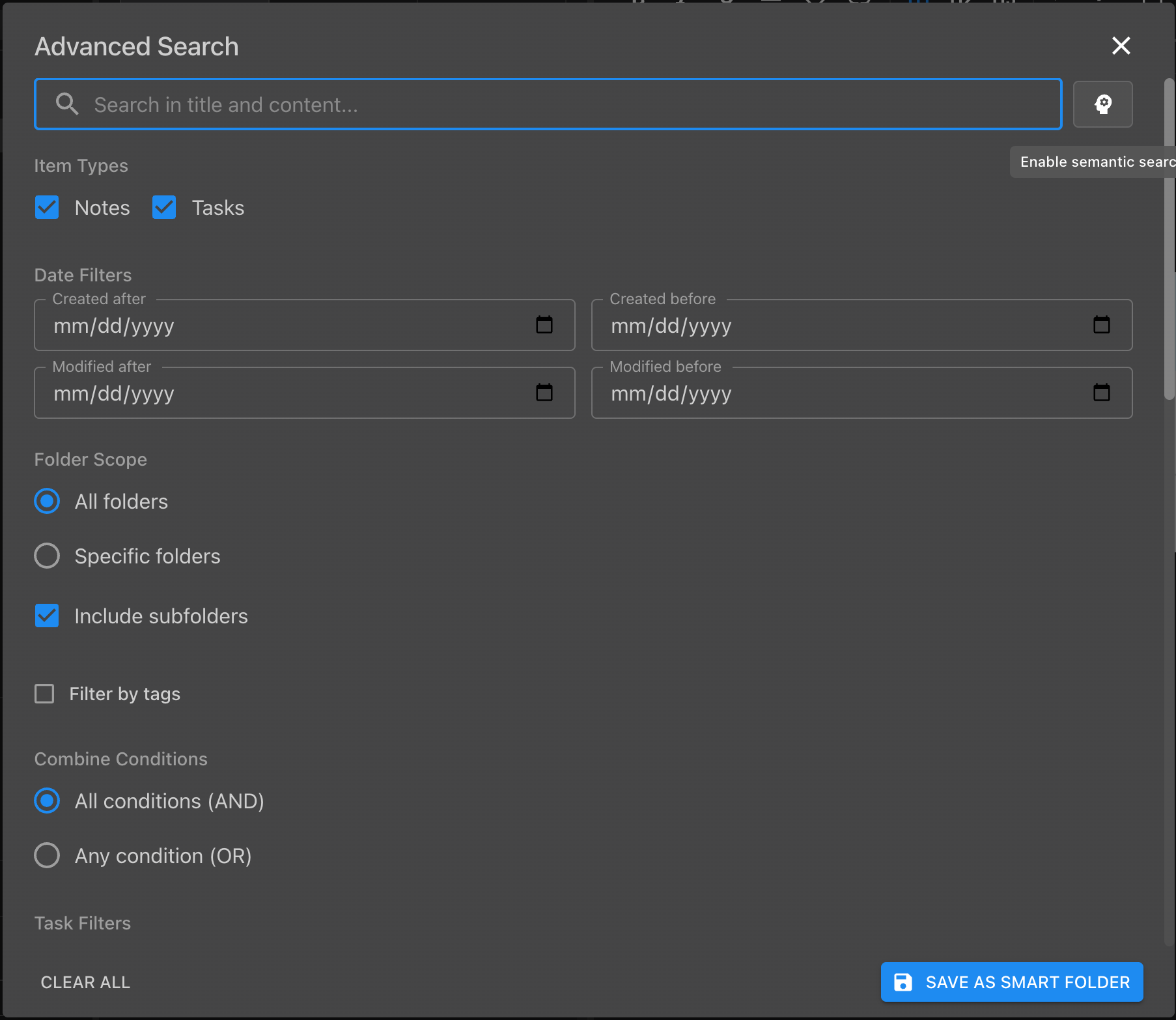
Advanced Semantic Search
Search by meaning, not just keywords. Find related content across notes and tasks.
Backlinks for Tasks
See which notes reference each task — and which tasks reference each note.

Tasks Beyond TODO Lists
Rich task entities with descriptions, types, priorities, relationships, and custom workflows.

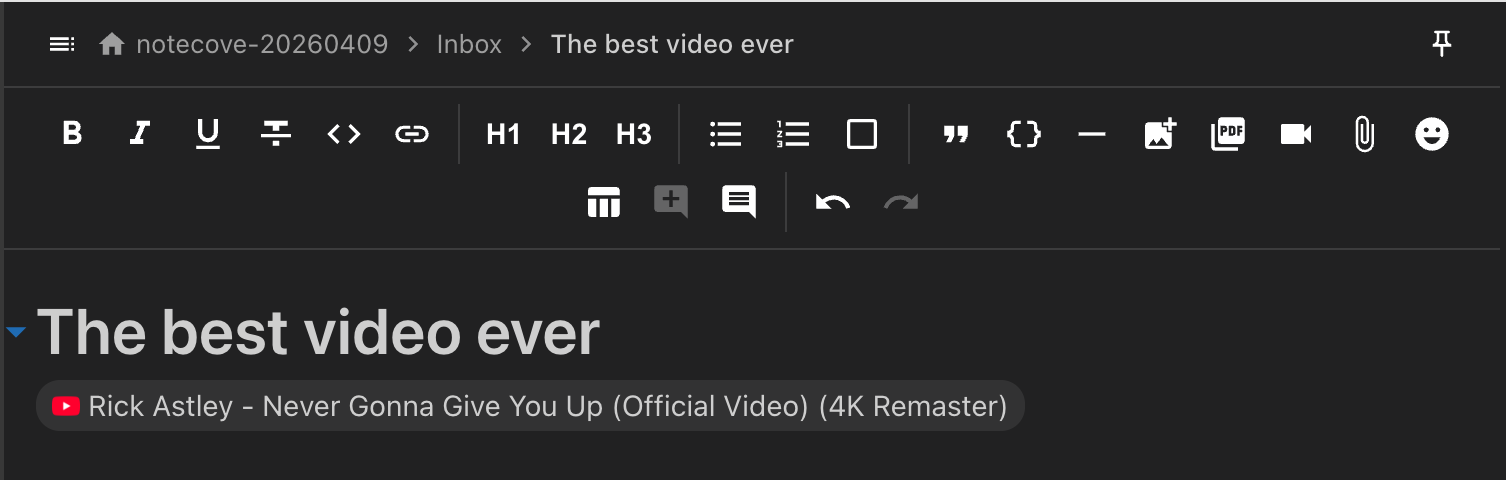
Link Chipping
Links rendered as compact, interactive chips in the editor — folder links, task links, and date chips.
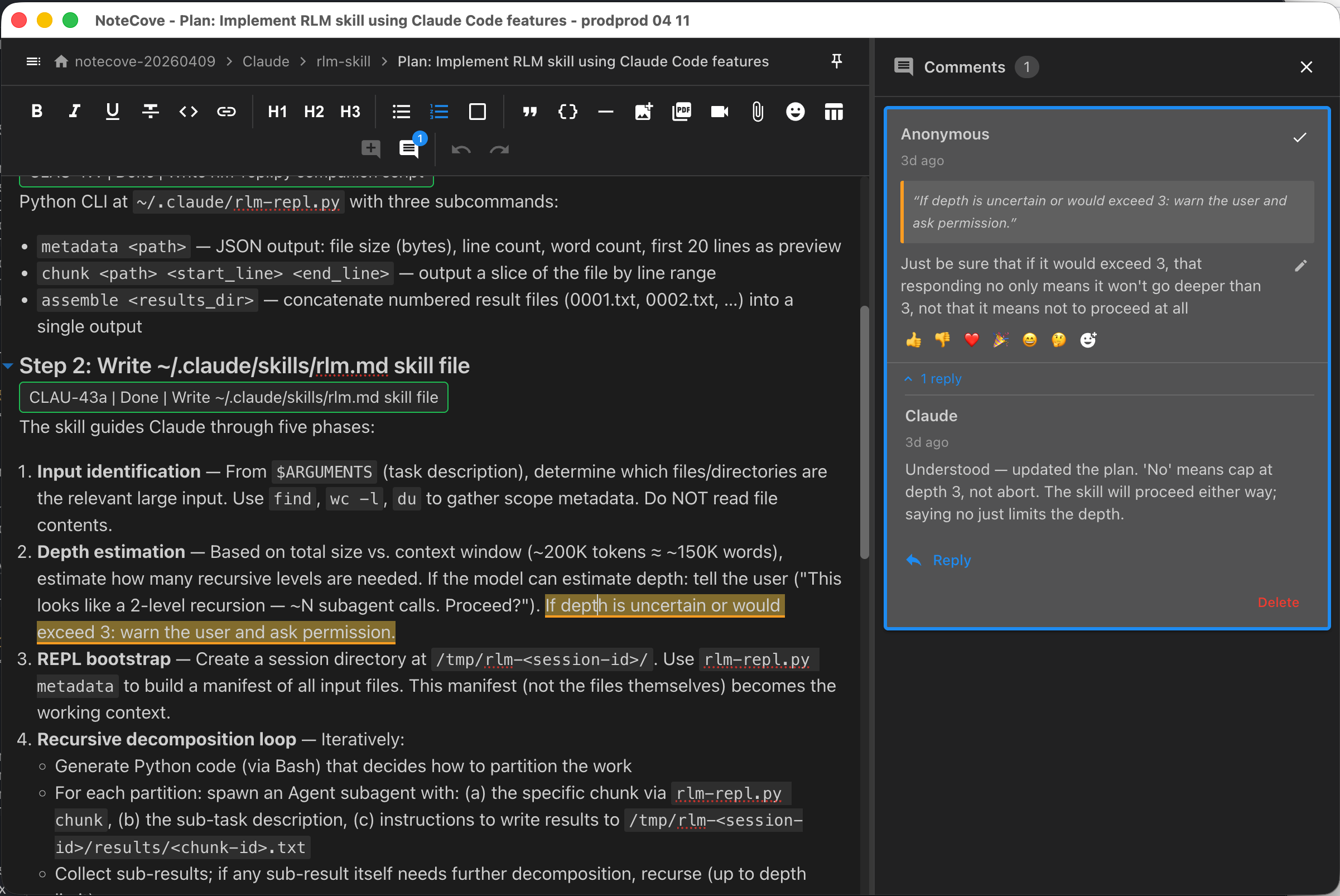
Agent Responds to Comments
AI agents can read and reply to comment threads on notes, keeping conversations attached to context.
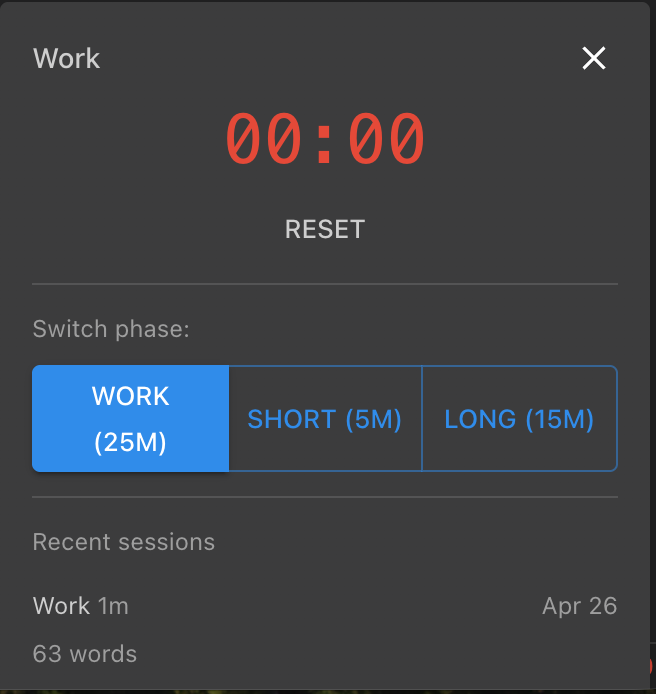
Pomodoro Timer
Built-in focus timer with work/break phases, word count tracking, and session history. (Desktop only)
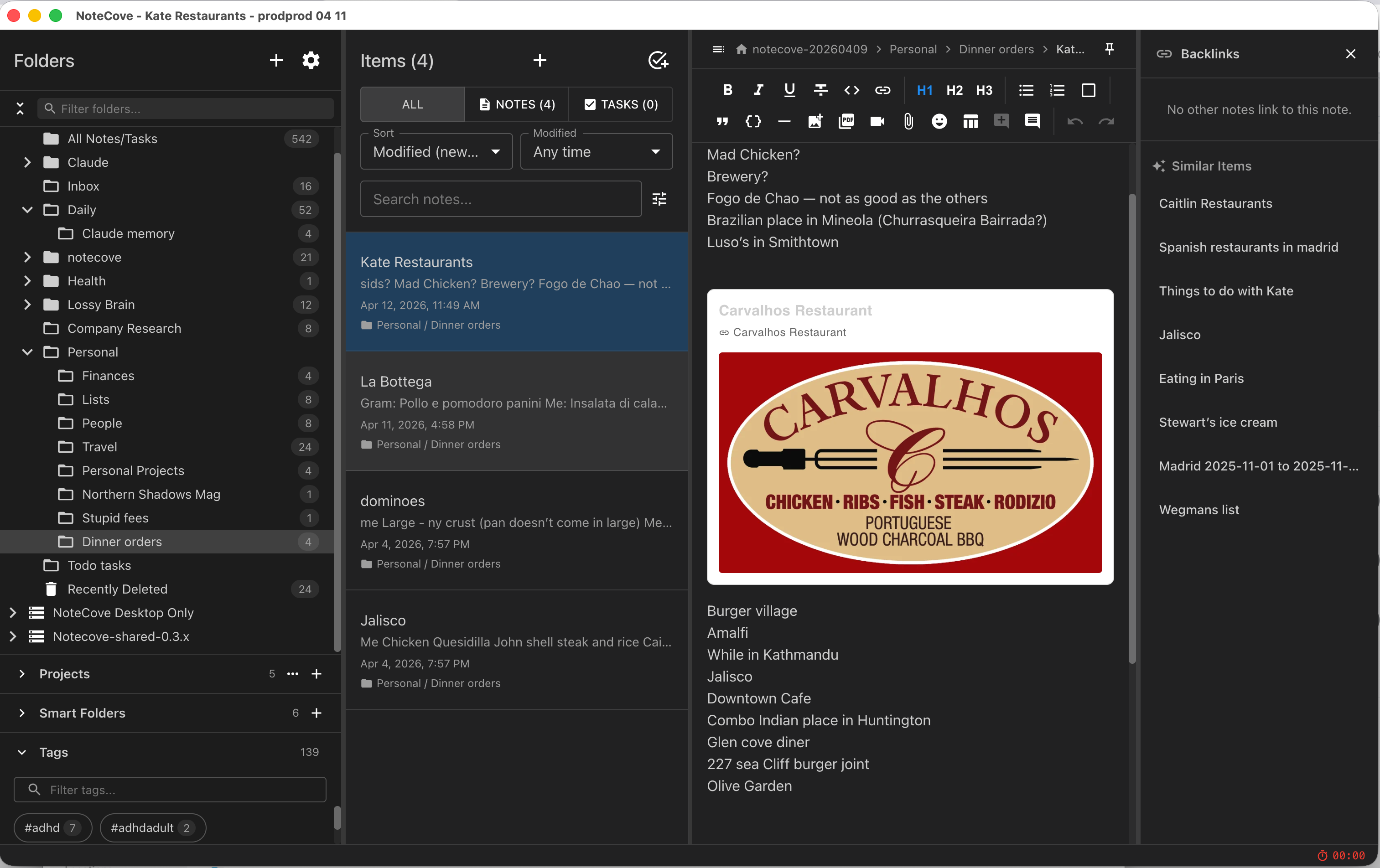
Similar Notes & Tasks Discovery
Find content similar to what you're reading — across both notes and tasks.
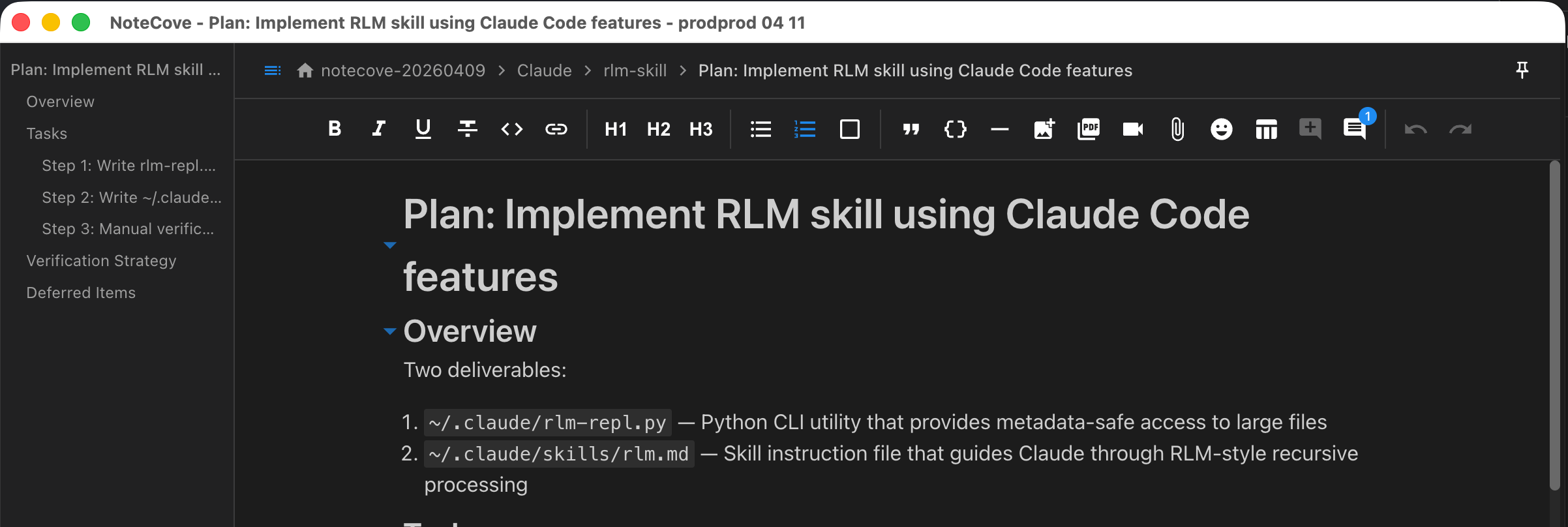
Outline TOC Panel
Auto-generated table of contents from document headings. Toggle visibility per session or persist globally.
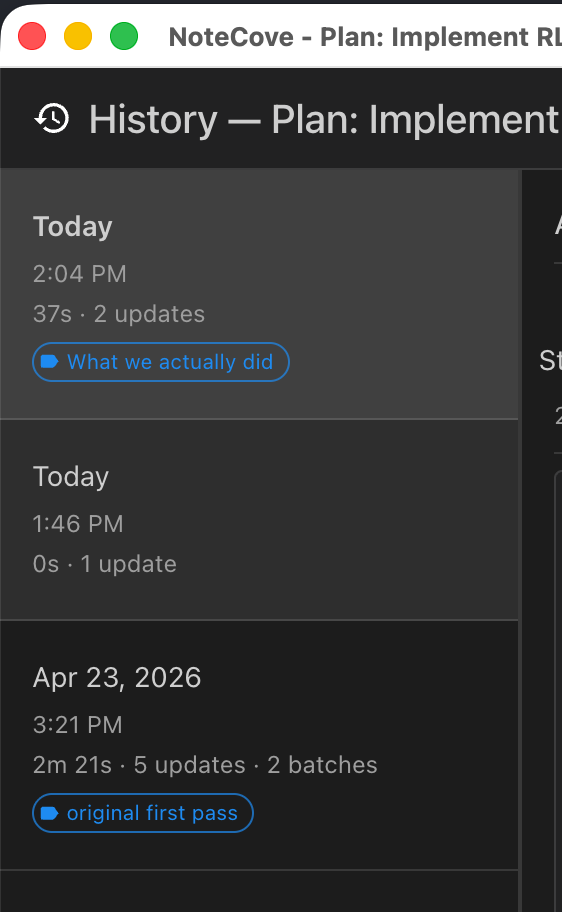
Note History Tagging
Tag important revisions as milestones — "v1 draft", "client approved", and more.
Task Link Autocomplete
Type @ to mention tasks, folders, or dates — with intelligent autocomplete and live updates.
